



Suggestions

Products & Resources

AI

DocSearch UI library v5: a smarter search experience for your docs

Published:
Back to all blogs

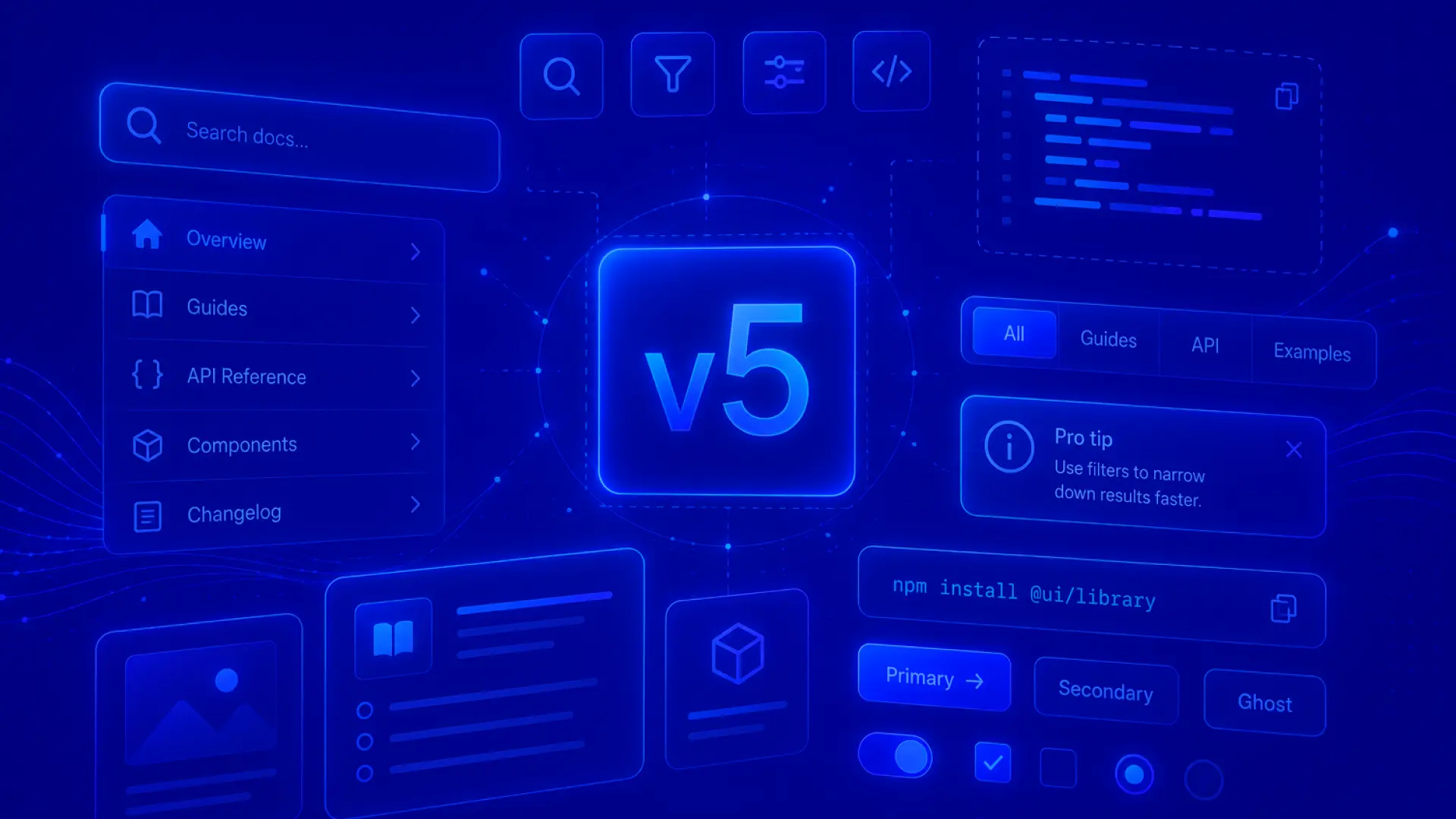
TL;DR: DocSearch UI Library v5 is the latest release of Algolia's documentation search interface. It rebuilds the end user search experience on top of Agent Studio, adding conversational memory, prompt suggestions, and MCP-based tools for more relevant answers, along with facet filtering, breadcrumbs, and badges that let readers refine results. Teams upgrading from v4 can follow the migration guide, since some Ask AI parameters have changed.

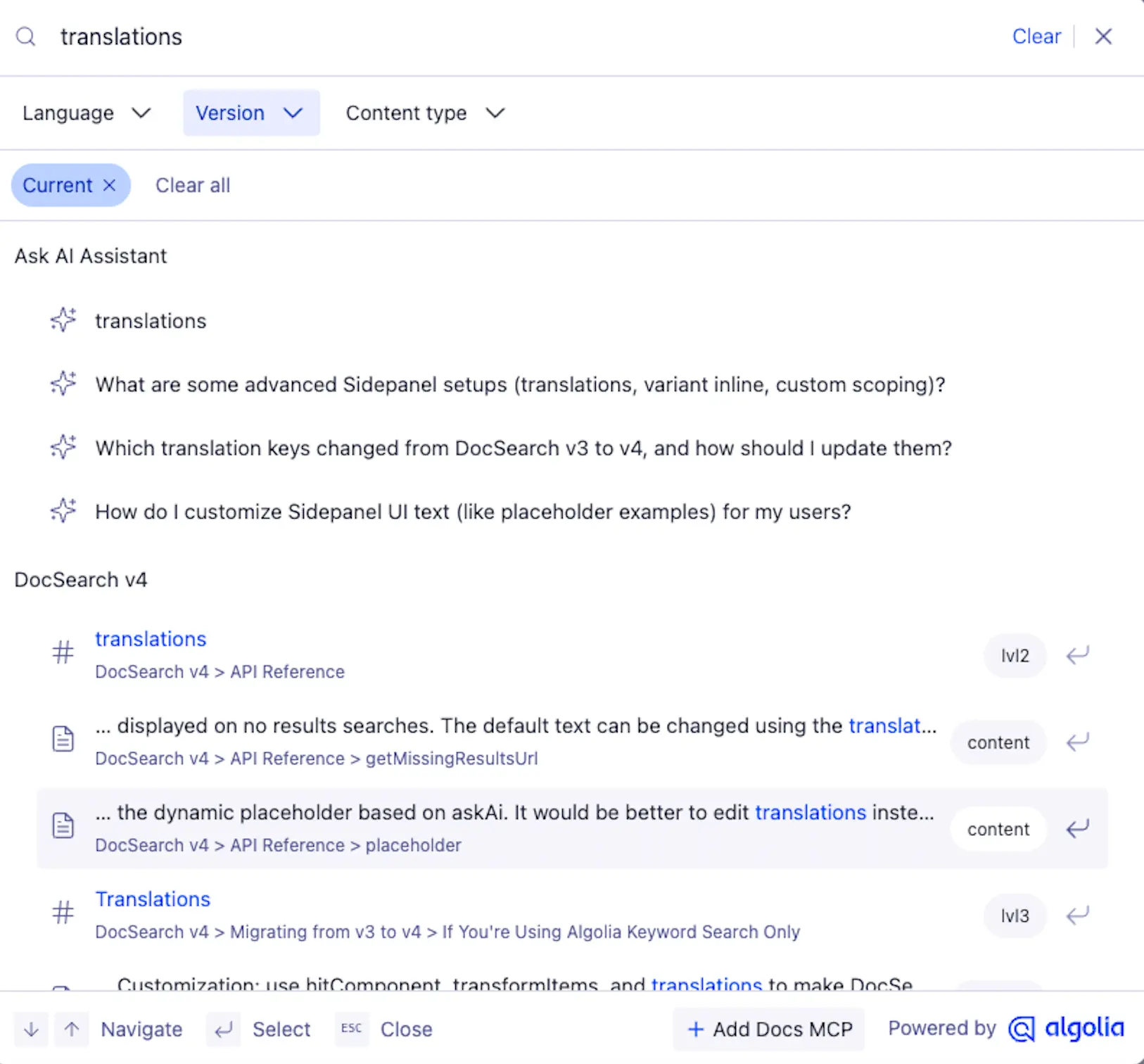
DocSearch has always been about one thing: helping the people who read your documentation find what they need, fast. With the v5 UI library, the end user experience gets a major upgrade. Search feels more like a conversation, results come back more relevant, and your users get more control over how they explore your content.

Here is what is new.

Built on Agent Studio

The v5 UI is now built on top of Agent Studio, and that changes what search can do for your users. Instead of returning a flat list of matches, the experience now draws on MCP-based tools to produce better, more contextual results.

Three things stand out:

  • Prompt suggestions guide users toward useful queries, so they spend less time guessing how to phrase a question and more time reading answers.
  • Conversational memory means the experience remembers the thread of a session. Follow-up questions no longer need to repeat context, which makes multi-step exploration feel natural.
  • MCP-based tools power the results underneath, giving answers that are grounded in your documentation rather than generic responses.

More control over results

Better answers are only half the story. v5 also gives your users more ways to refine what they see:

  • Facet filtering lets users narrow results by the dimensions that matter in your docs, whether that is product, version, or content type.
  • Breadcrumbs show users where a result sits in your documentation hierarchy, so they always have a sense of place.
  • Badges surface at a glance signals on results, making it easier to tell refined or relevant matches apart.

Together these give readers a clearer, more navigable path to the answer they came for.

Make the footer yours

DocSearch v5 adds a customizable call-to-action in the search footer. Relabel the text, change the destination, or hide it — the footer is yours to configure.

docsearch-footer.webp

Upgrading from v4

If you are moving up from v4 and you used Ask AI parameters, note that a few of those have changed in v5. We have put together a migration guide with a step-by-step path so the upgrade is straightforward.

Read the migration guide here.

Get started

Ready to give your users the v5 experience?

Upgrade to DocSearch v5.

We want your feedback

v5 is better because of the developers who build documentation sites on DocSearch, and we want to keep making it better with you. Tell us what is working, what is not, and what you would like to see next.

Join us in the Algolia DocSearch Discord.

Get the AI search that shows users what they need