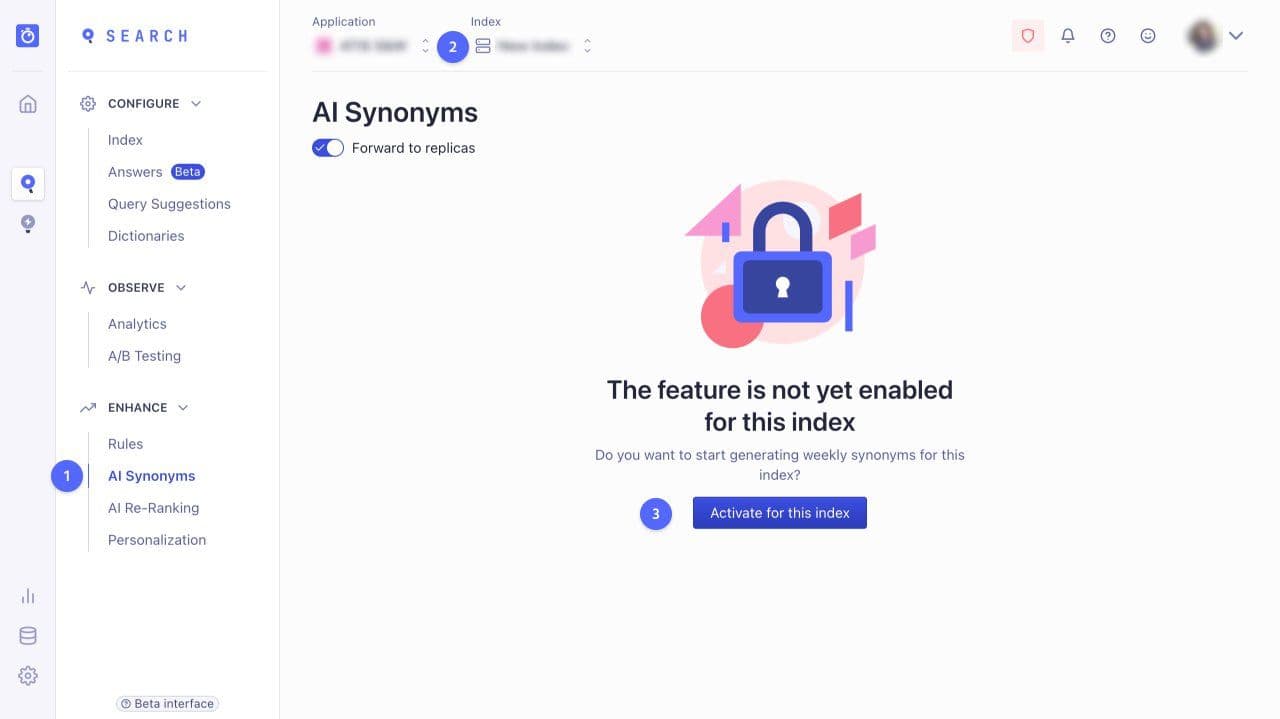
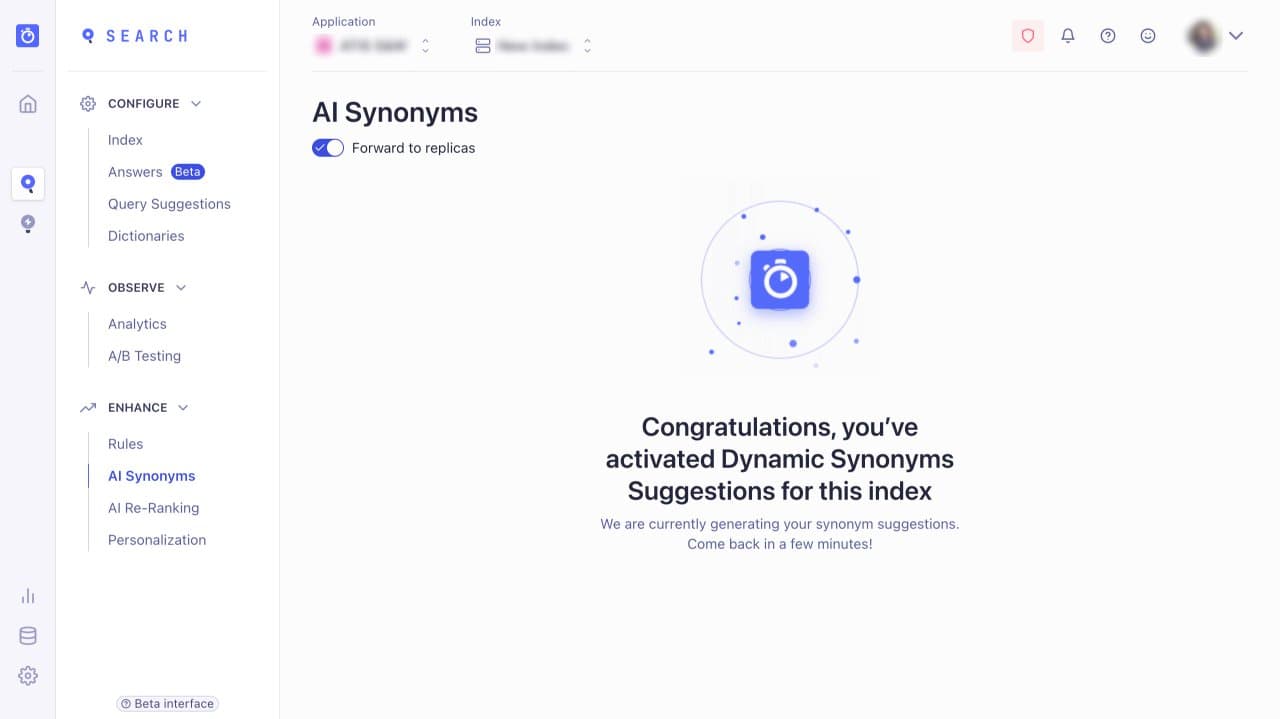
Algolia’s AI Synonyms tool looks for patterns in how customers search to find likely candidates for synonym pairs. When it finds pairs they will appear in a list for you to review before they are activated. Until you approve a new synonym pair AI Synonyms will have no impact on the customer experience.
Not all the synonym ideas will be right so you should schedule a little time to review them every few weeks.
When you accept a new synonym pair, by default it will be a two way pair, for example
Bag <> Holdall
So a search for “bag” will return results for “holdall” and vice versa. In this example It seems reasonable for "holldalls" to appear when the customer searches for a bag but if a customer searches for “holdall” and other bags appear that’s not so good.
In cases like this you can change the synonym to be one-way:
Bag >> Holdall


.webp)



.jpg)











.svg)