Looking for our logo?
Algolia’s AI Synonyms tool looks for patterns in how customers search to find likely candidates for synonym pairs. When it finds pairs they will appear in a list for you to review before they are activated. Until you approve a new synonym pair AI Synonyms will have no impact on the customer experience.
Not all the synonym ideas will be right so you should schedule a little time to review them every few weeks.
When you accept a new synonym pair, by default it will be a two way pair, for example
Bag <> Holdall
So a search for “bag” will return results for “holdall” and vice versa. In this example It seems reasonable for "holldalls" to appear when the customer searches for a bag but if a customer searches for “holdall” and other bags appear that’s not so good.
In cases like this you can change the synonym to be one-way:
Bag >> Holdall
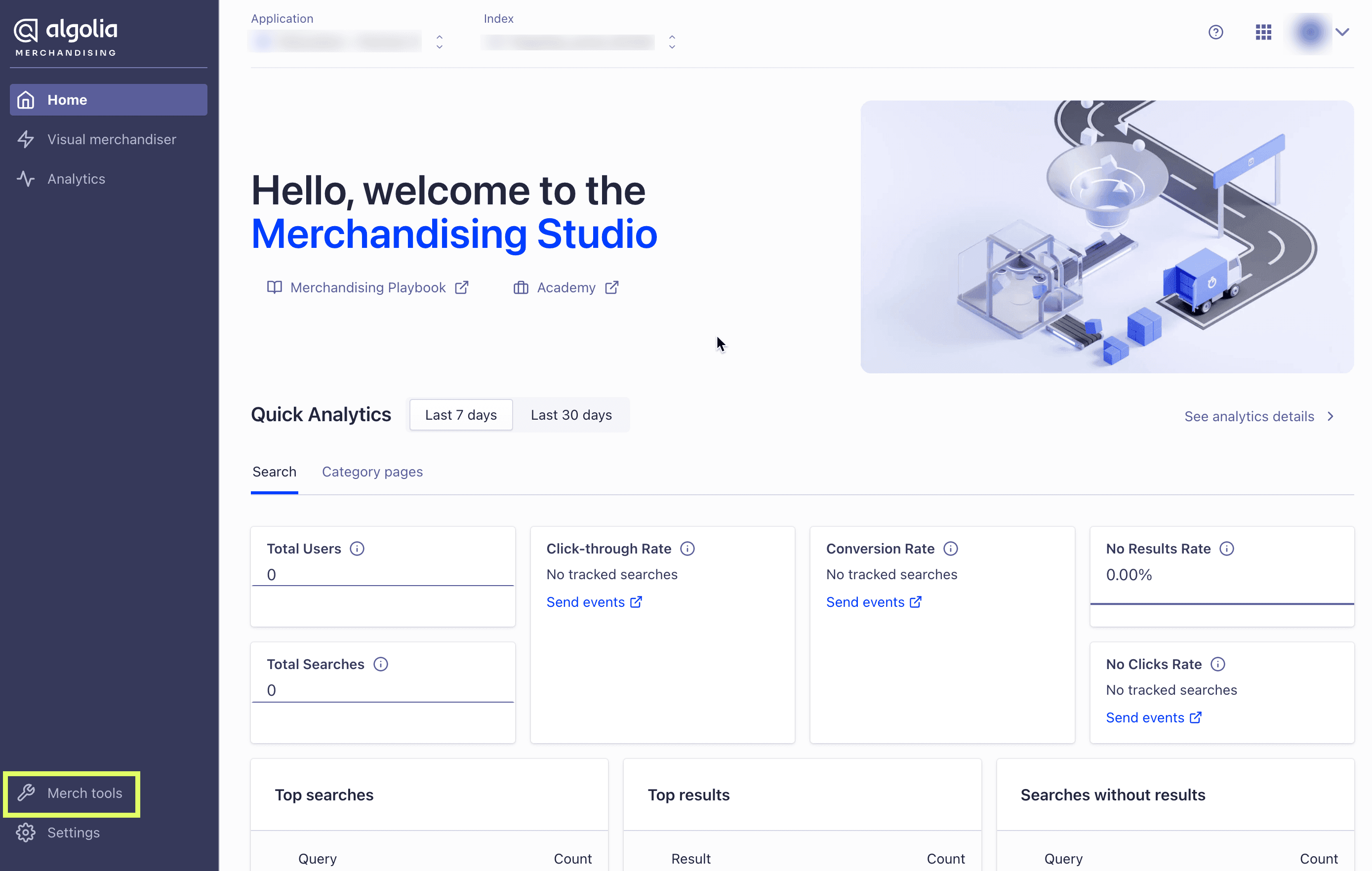
From the Merchandising Studio homepage:

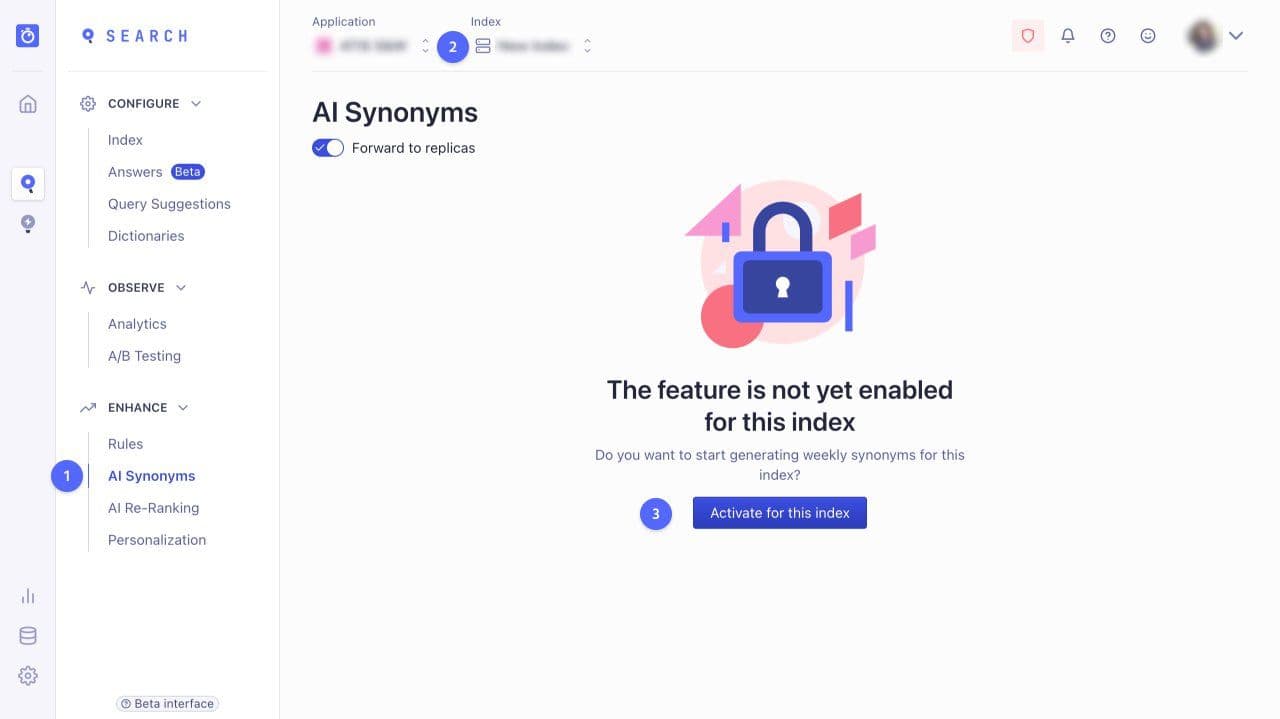
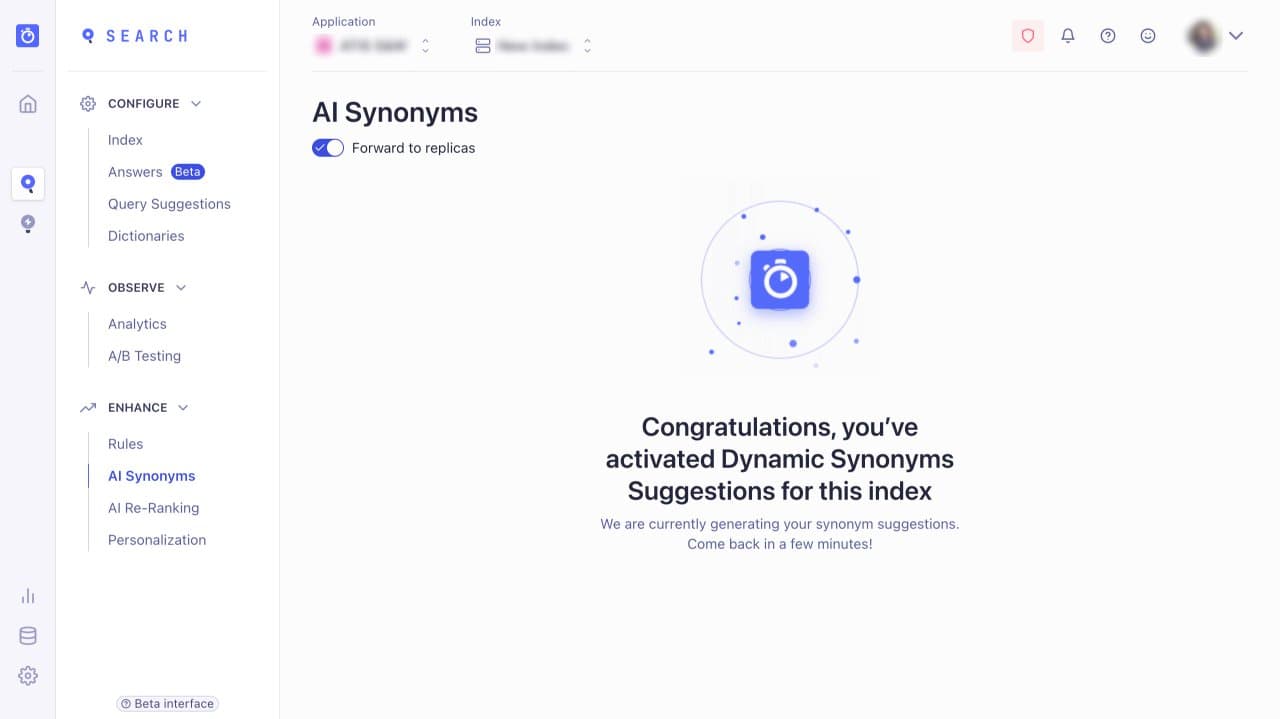
To enable Dynamic Synonym Suggestions (referred to as AI synonyms in the dashboard):


Hi there 👋 Need assistance? Click here to allow functional cookies to launch our chat agent.
Thanks for visiting! 👋 I can help answer any questions about Algolia.
Hey! 👋 Got questions about pricing or plans?
Want to skip the form and book some time with our team right now?
Hey there! Would you like to book a meeting with our sales team now?
Thanks for visiting! 👋 I can help answer any questions about Algolia.